
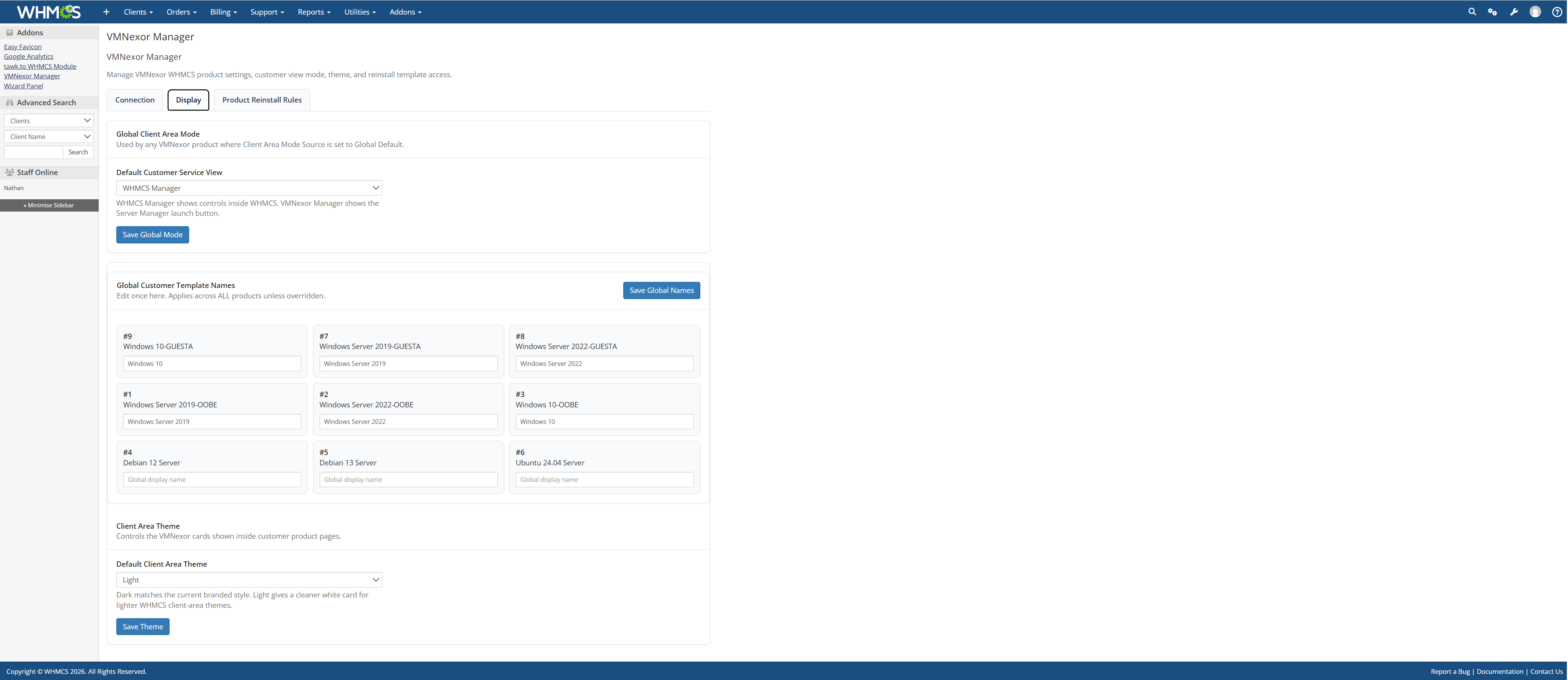
WHMCS Customer Display Settings
WHMCS display settings for customer-facing VPS controls, VMNexor integration and provider service presentation.
Related infrastructure guides
WHMCS Proxmox Module for VPS Hosting Automation
VMNexor connects WHMCS-style billing workflows with Proxmox infrastructure so hosting providers can provision, manage and reinstall VPS services with less manual work.
VPS Customer Self-Service for Proxmox Hosting
Customer self-service automation for Proxmox VPS hosting including reinstalls, console access, power controls and deployment workflows.
More VMNexor screenshots
VMNexor Admin Control Dashboard
Admin control interface for managing VMNexor provider settings, infrastructure automation and Proxmox hosting operations.
VMNexor Automated Installer
Automated VMNexor deployment and infrastructure installation workflows for Proxmox hosting providers.
VMNexor Branding and White Label Controls
Branding controls for provider-facing VMNexor deployments including customer display, theme and white-label presentation workflows.
Proxmox Cluster Management Dashboard
VMNexor cluster management interface showing node orchestration, provider infrastructure visibility and Proxmox cluster operations.
Browser Console Access and noVNC Integration
Browser-based VM console access using Proxmox noVNC workflows, WebSocket relays and customer console orchestration.
Proxmox Console Session Workflow
VMNexor console workflow for customer-accessible virtual machine recovery, troubleshooting and operating system interaction.