VMNexor screenshots for real hosting workflows.
Current beta screenshots covering Proxmox infrastructure management, WHMCS automation, VM provisioning, template management, console access, customer controls, branding and installer workflows.
Infrastructure
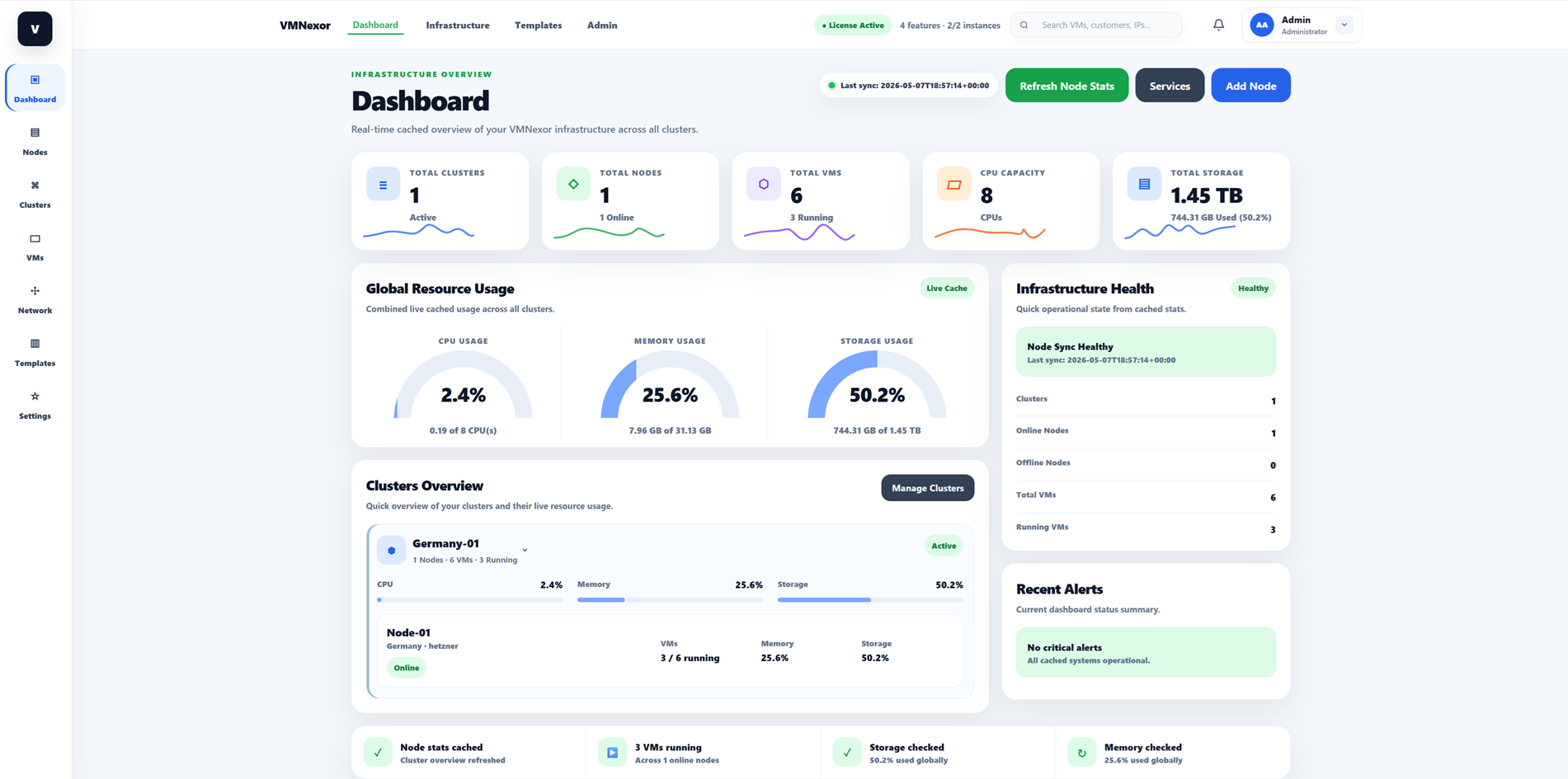
Infrastructure Dashboard
Related guide: /proxmox-customer-panel
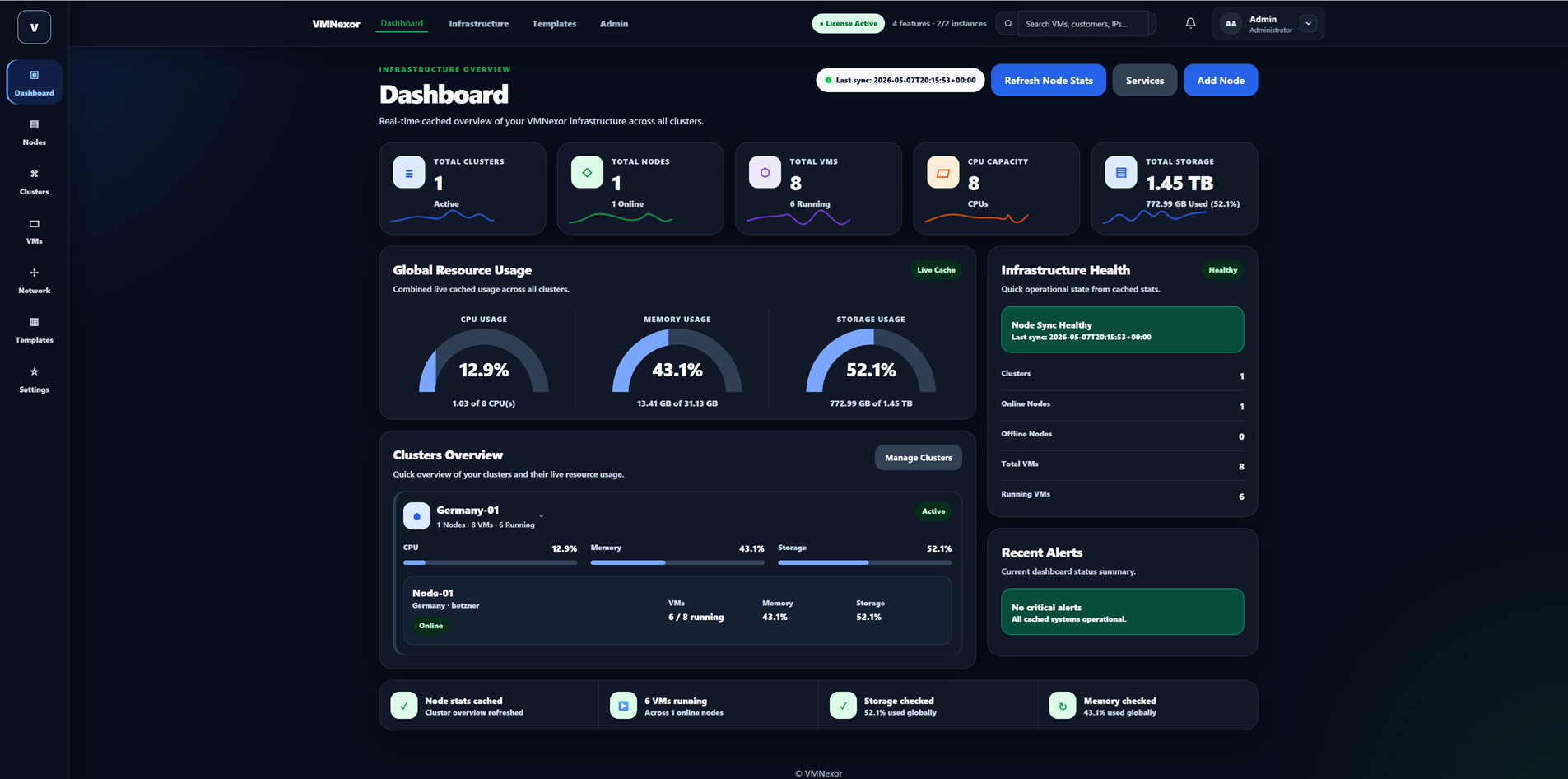
Infrastructure Dashboard Dark
Related guide: /proxmox-customer-panel
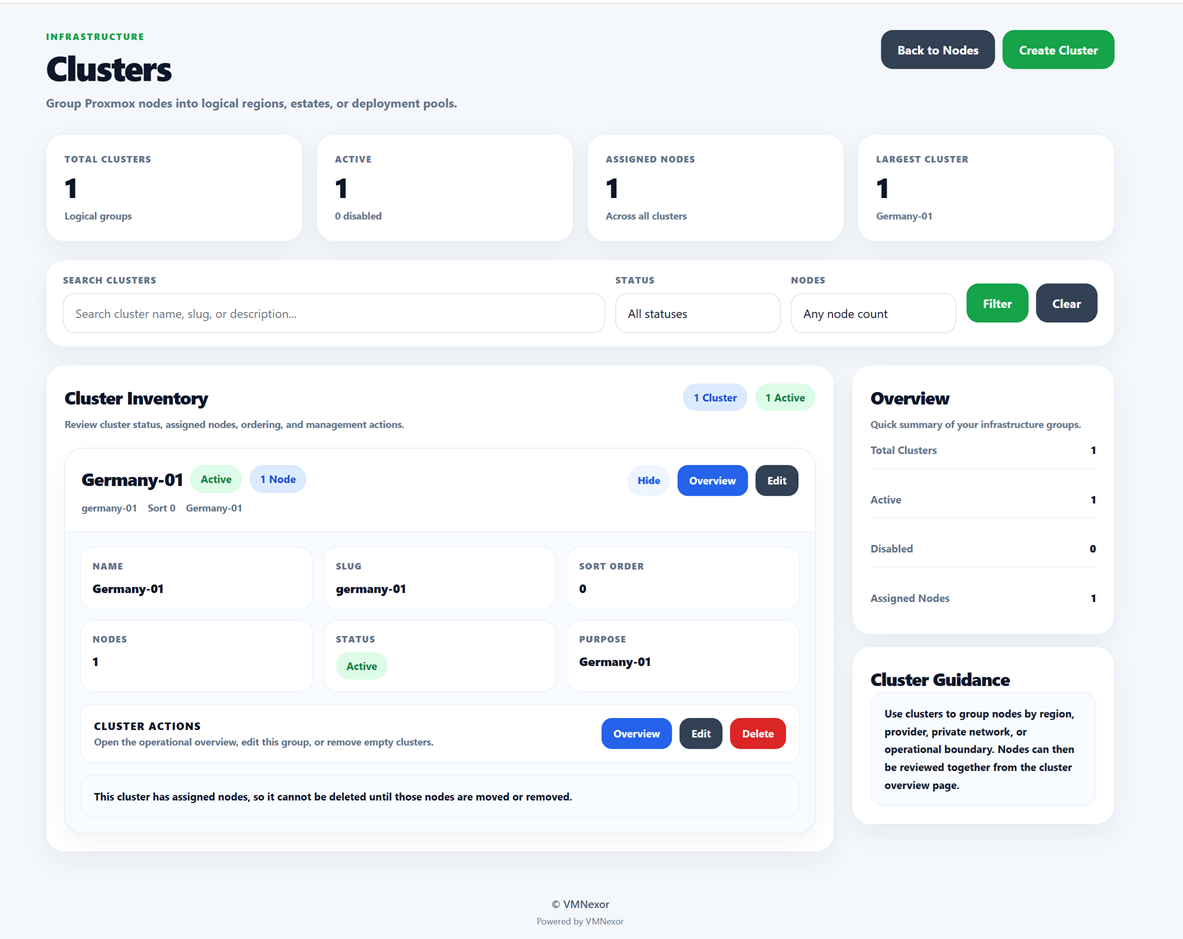
Cluster Management
Related guide: /proxmox-customer-panel
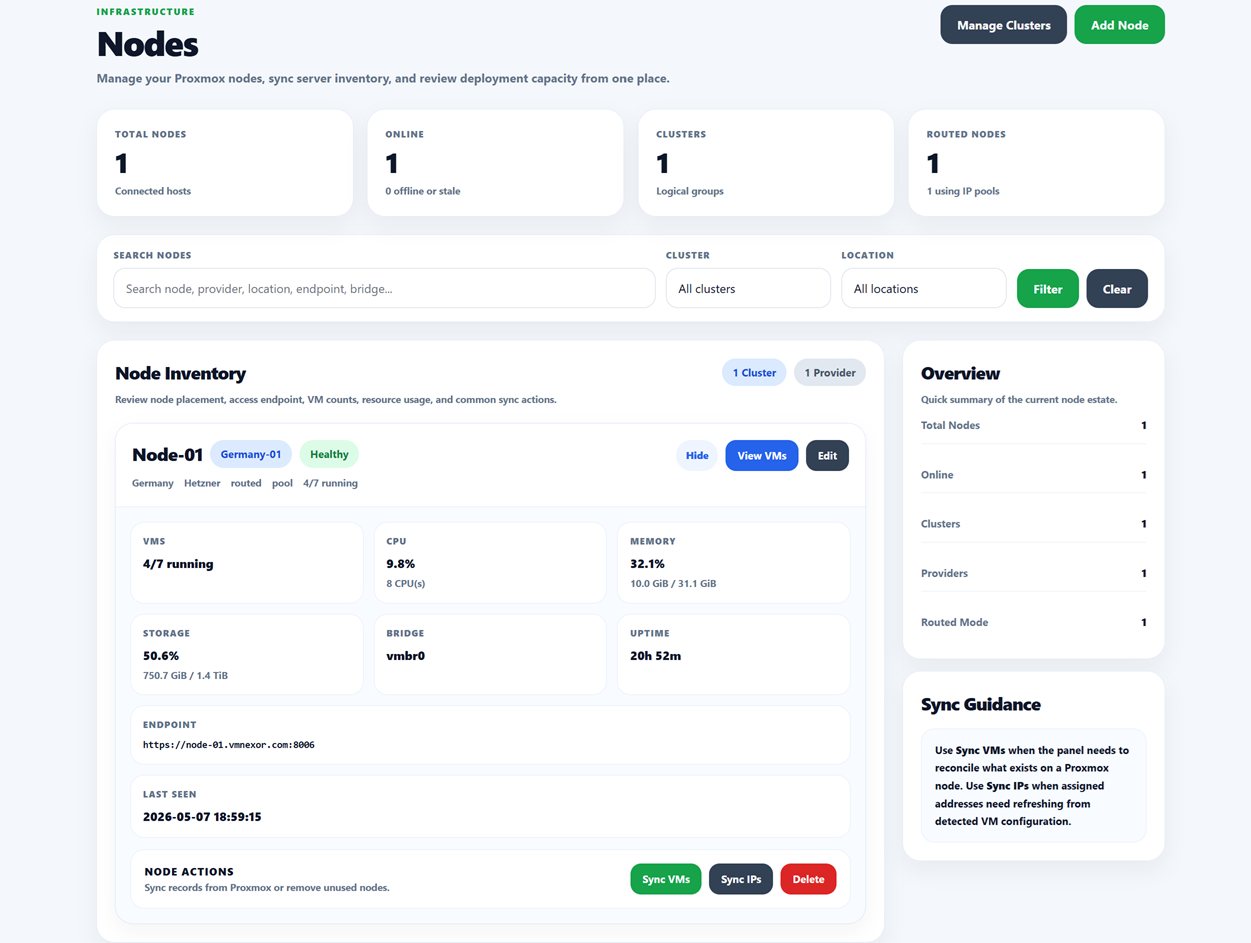
Node Management
Related guide: /proxmox-customer-panel
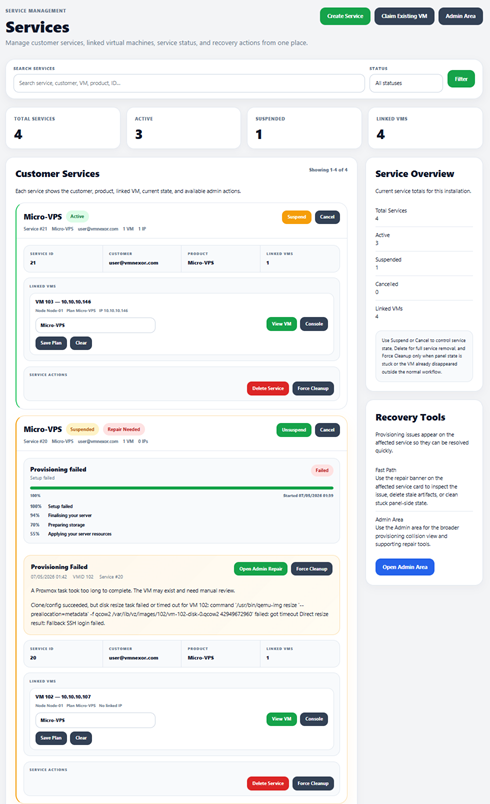
Services
Related guide: /proxmox-customer-panel
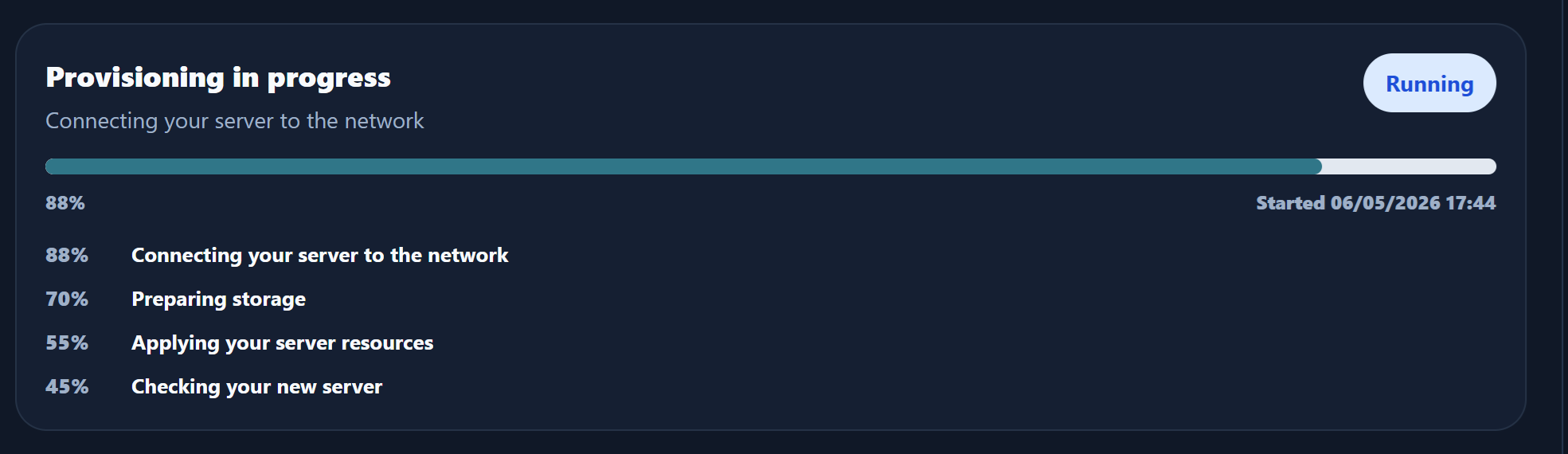
Live Provisioning Feed
Related guide: /proxmox-customer-panel
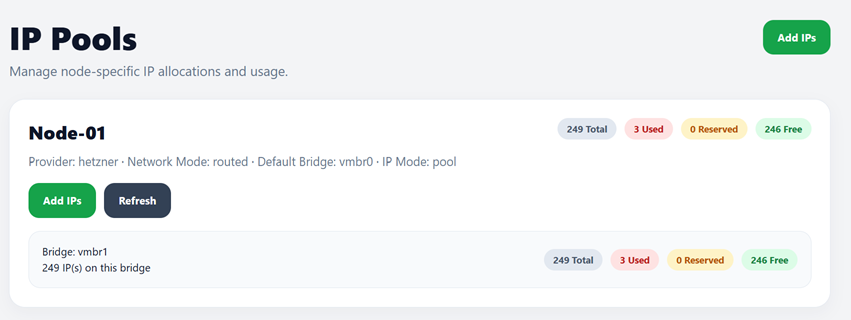
IP Pools 1
Related guide: /proxmox-customer-panel
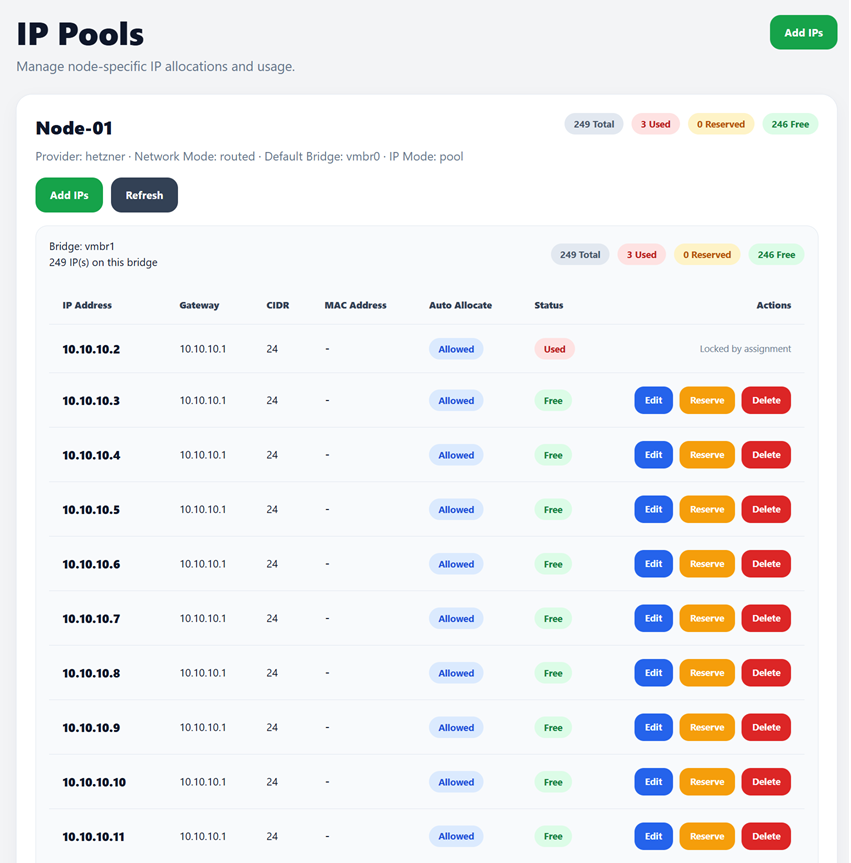
IP Pools 2
Related guide: /proxmox-customer-panel
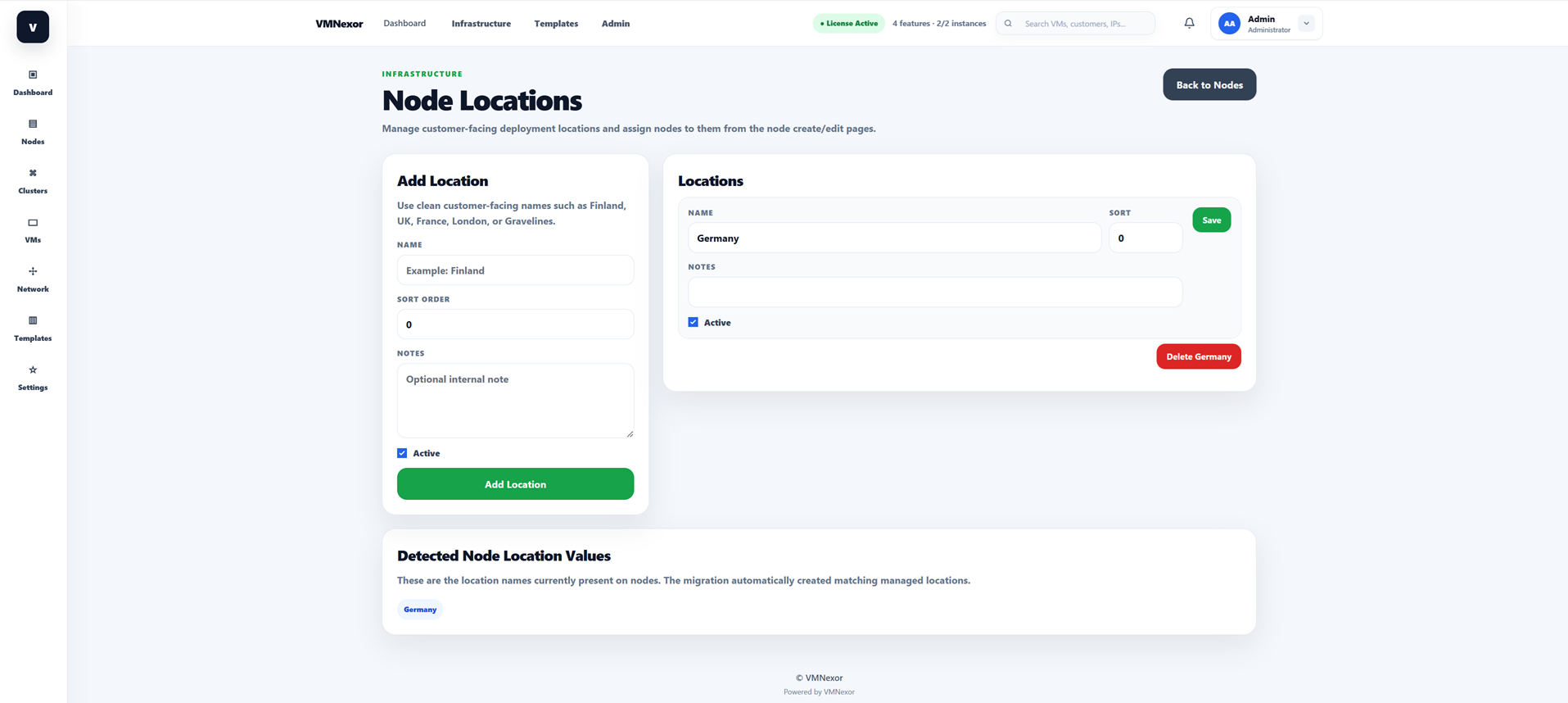
Locations
Related guide: /proxmox-customer-panel
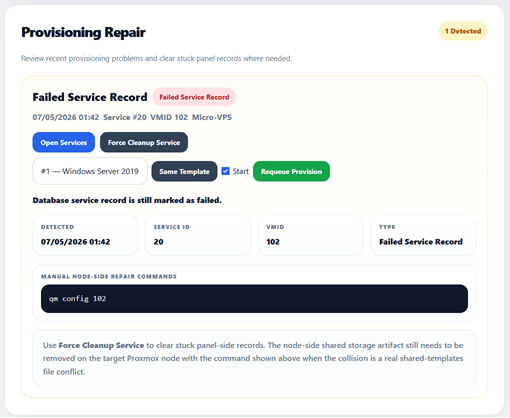
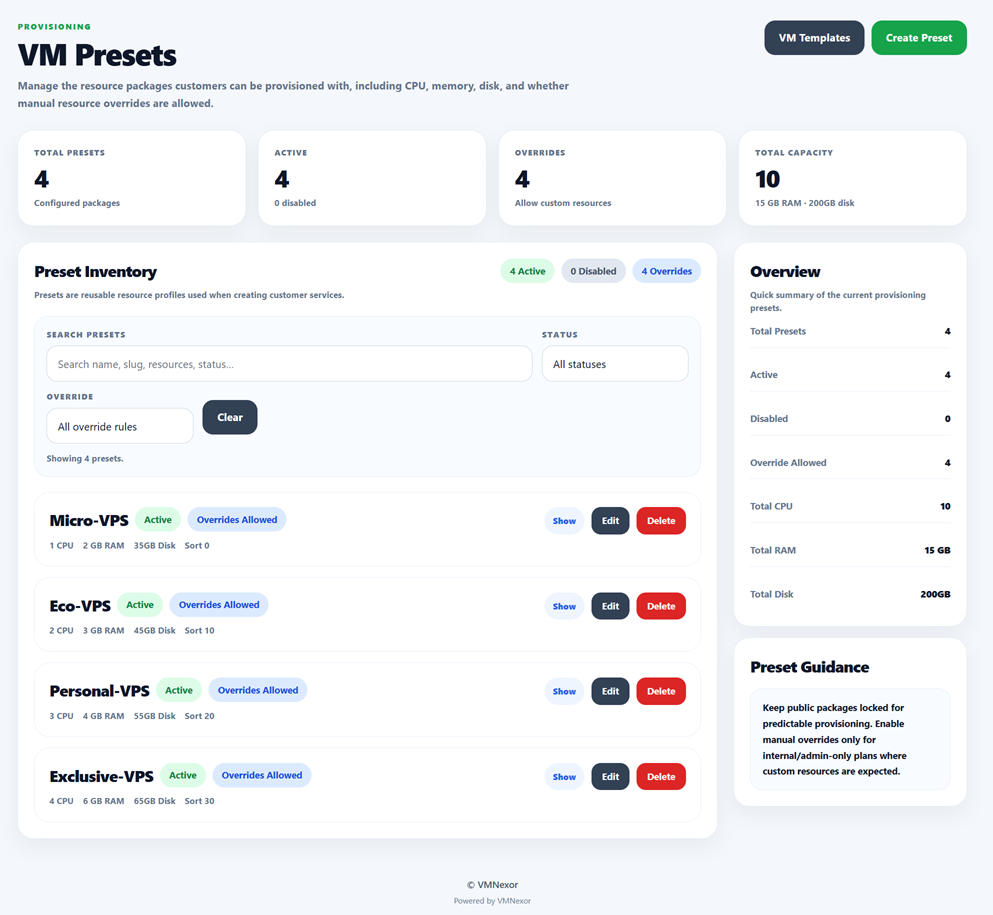
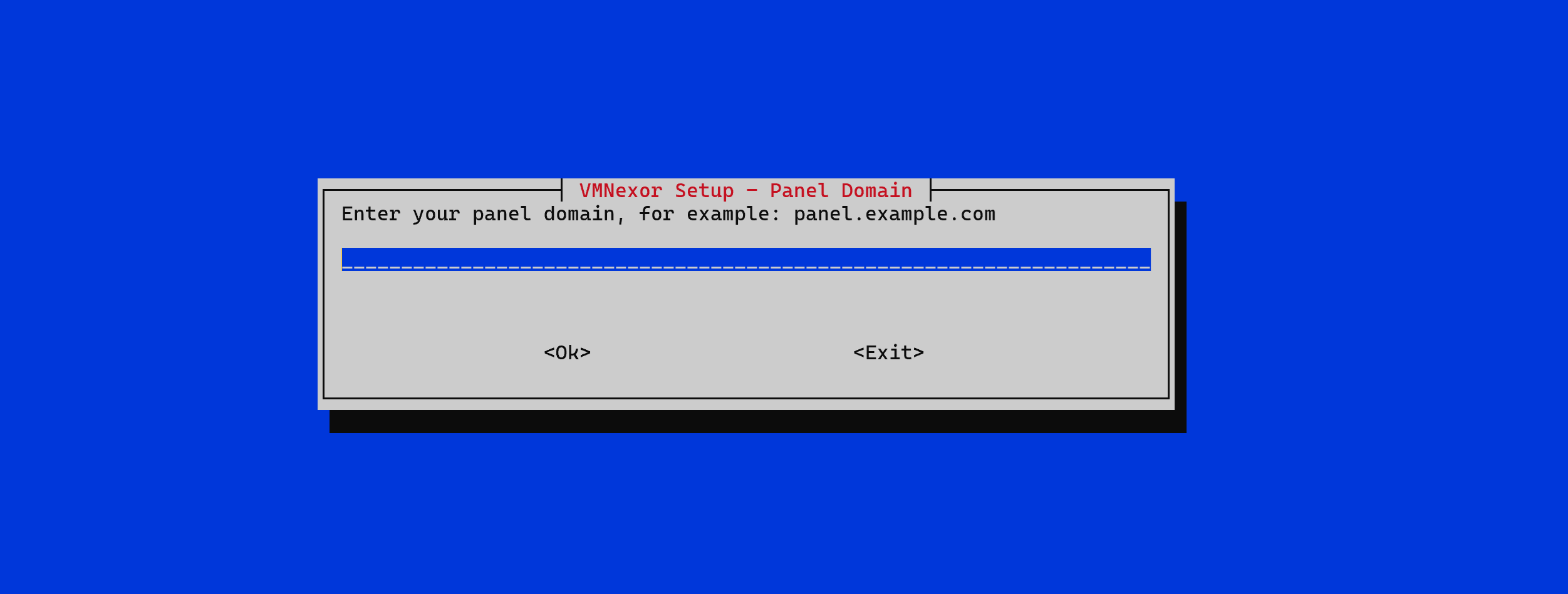
Provisioning & Console
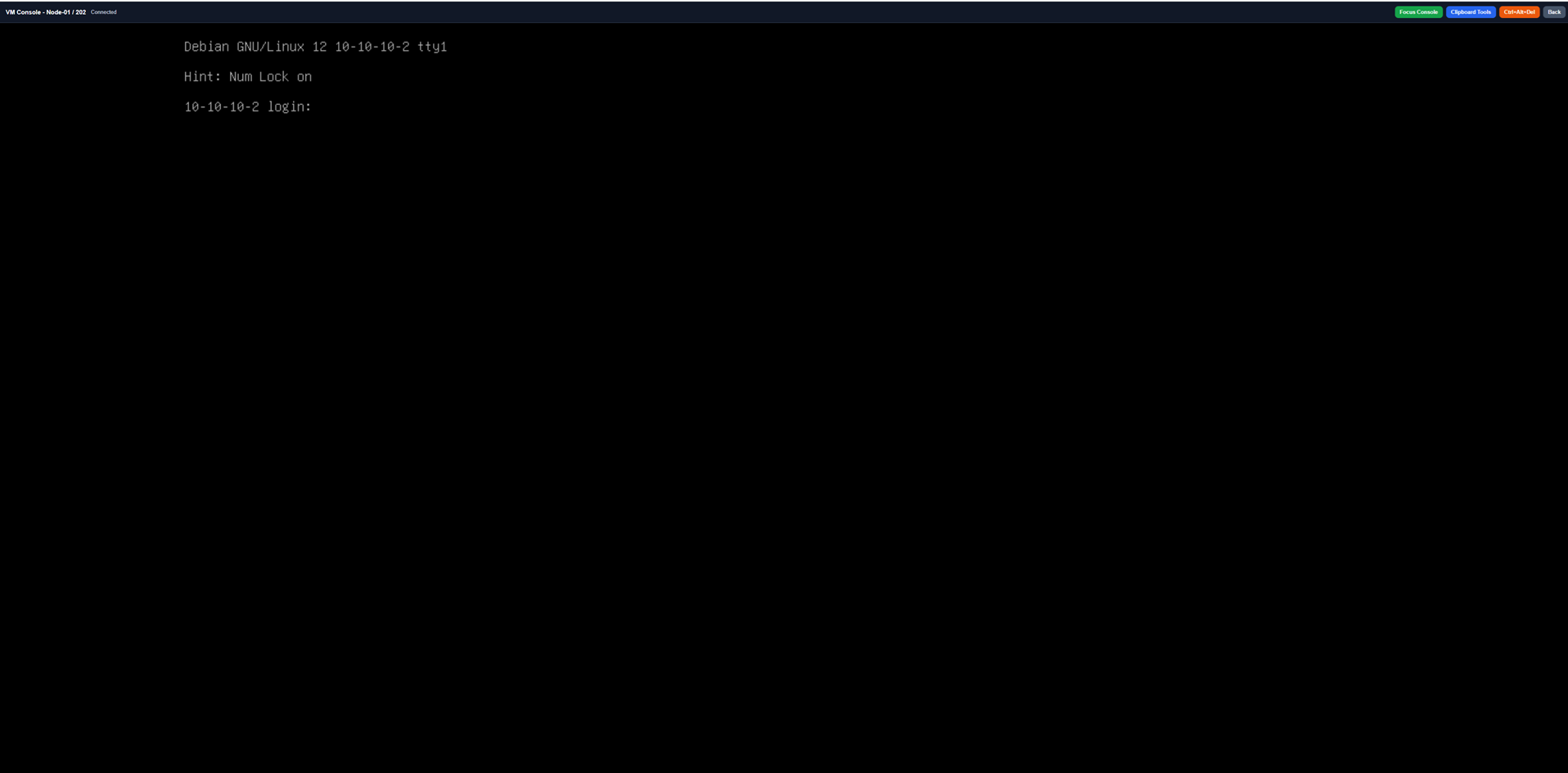
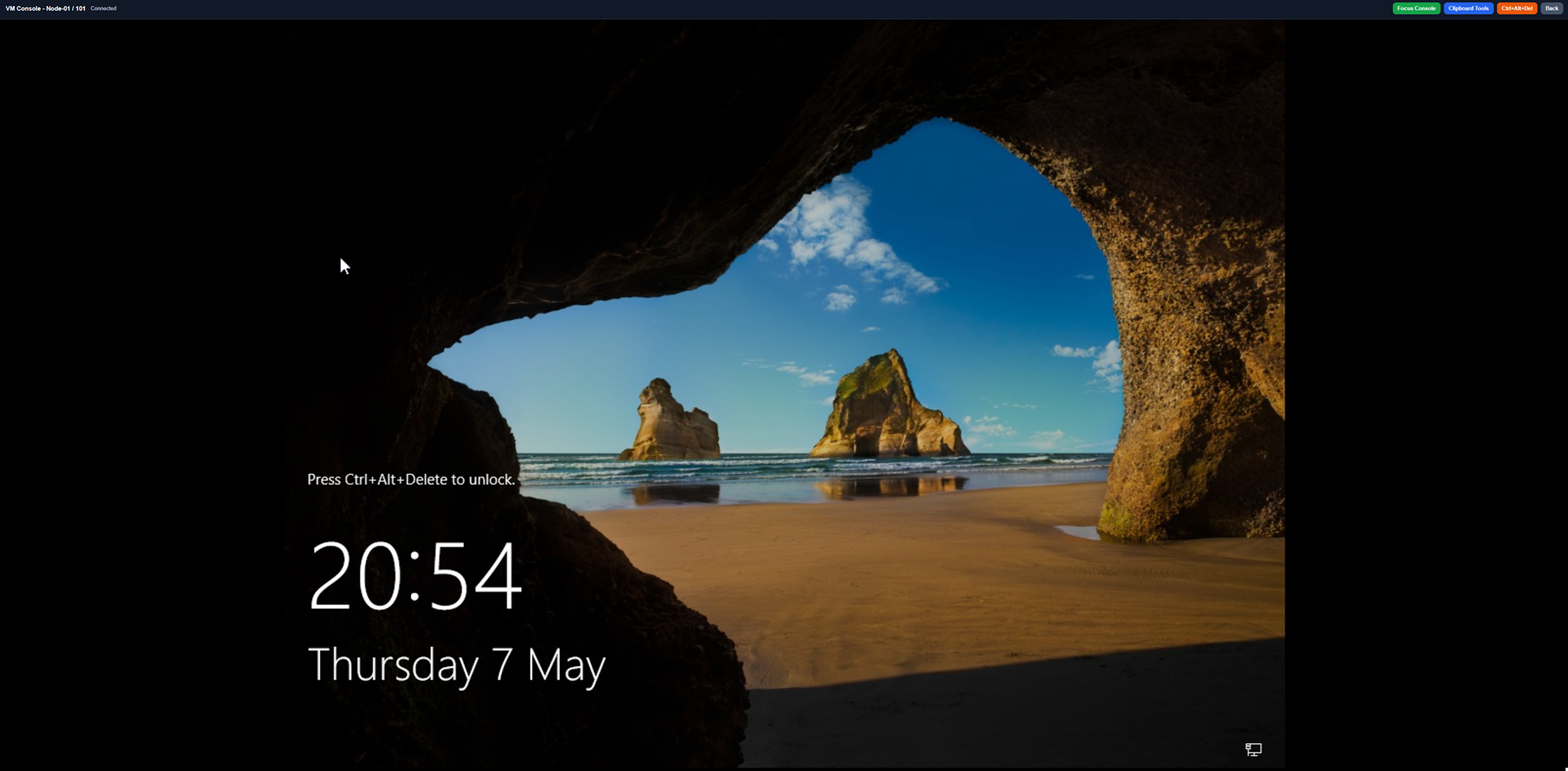
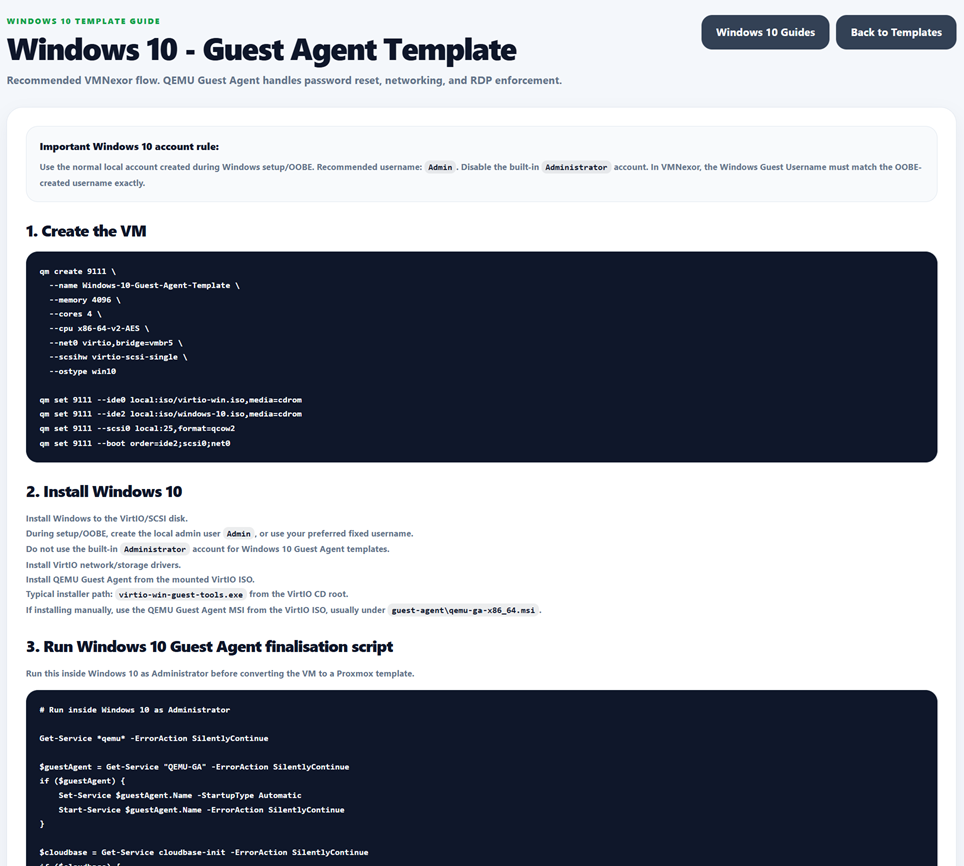
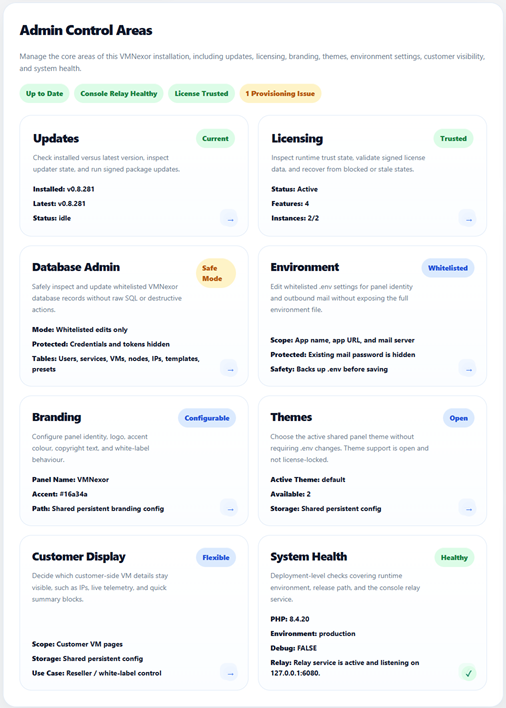
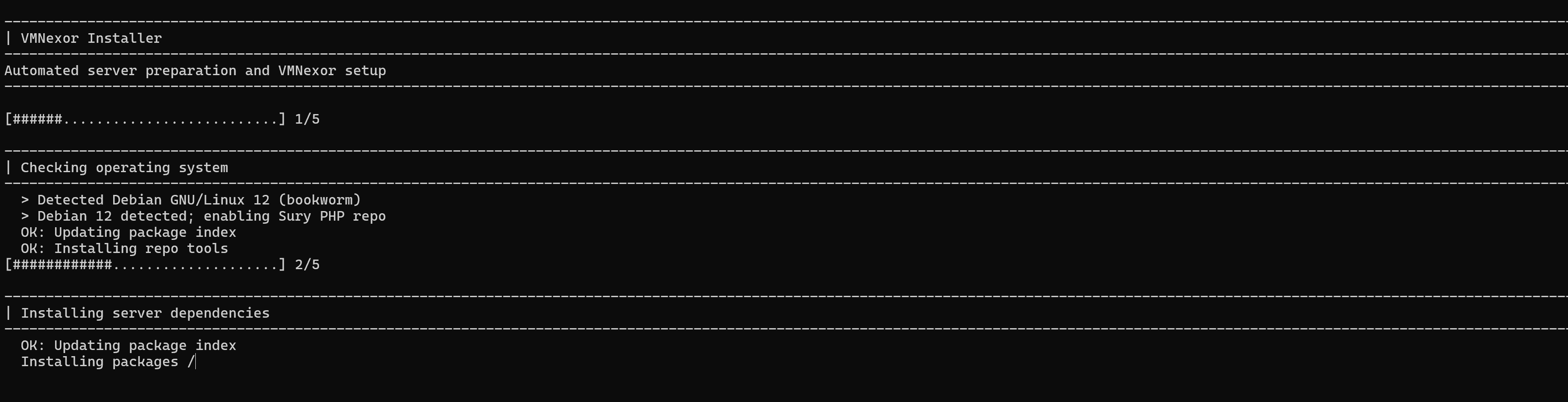
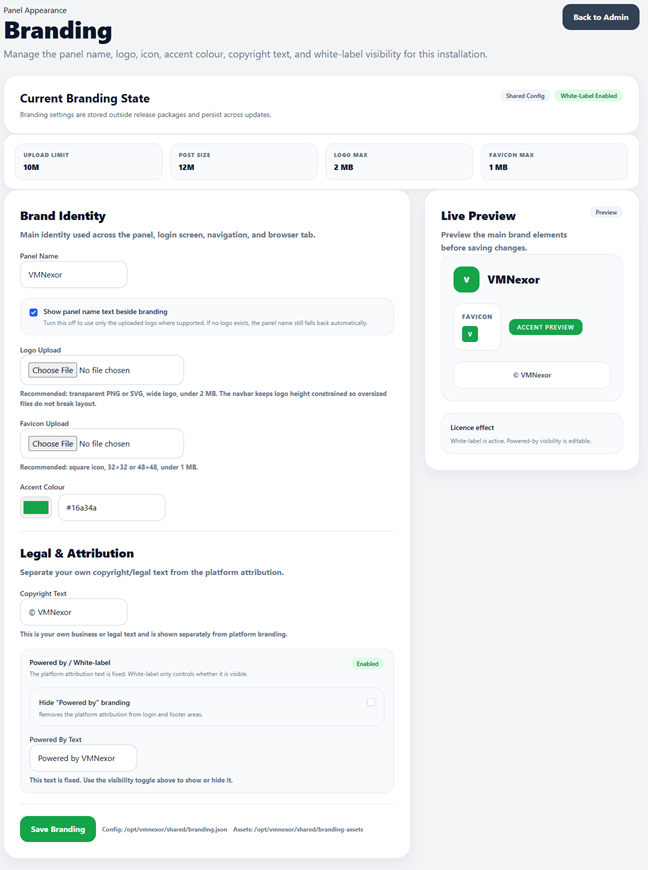
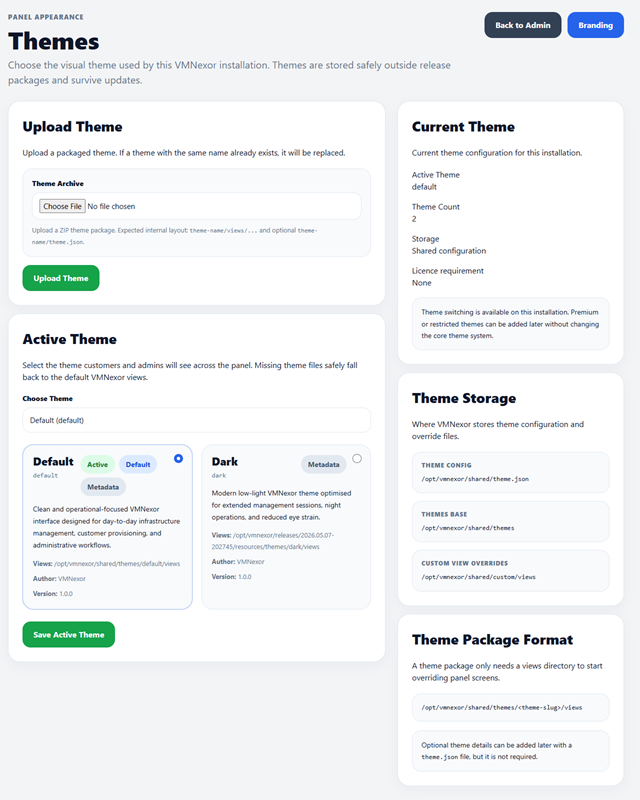
Admin & Branding
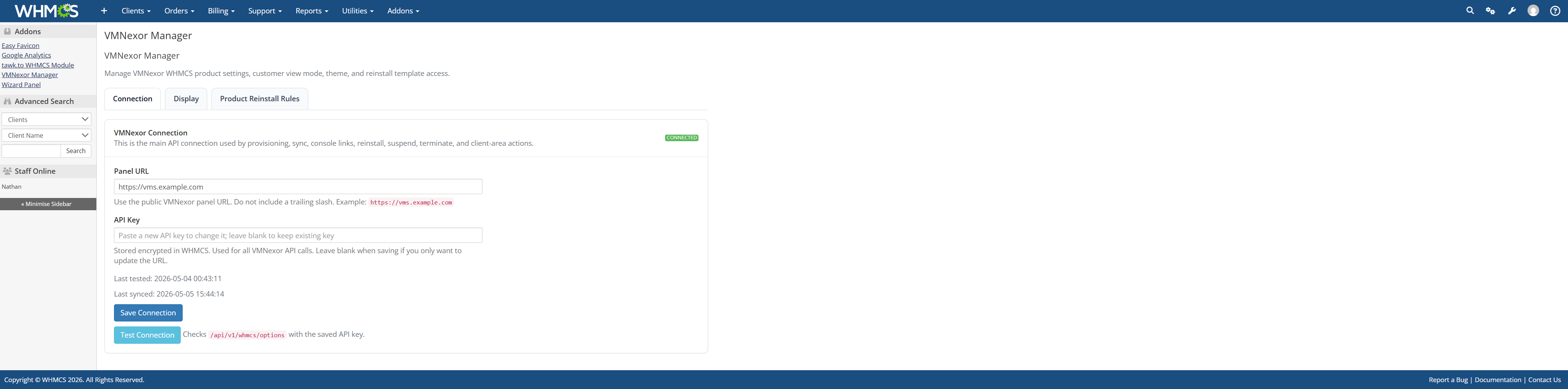
WHMCS Integration
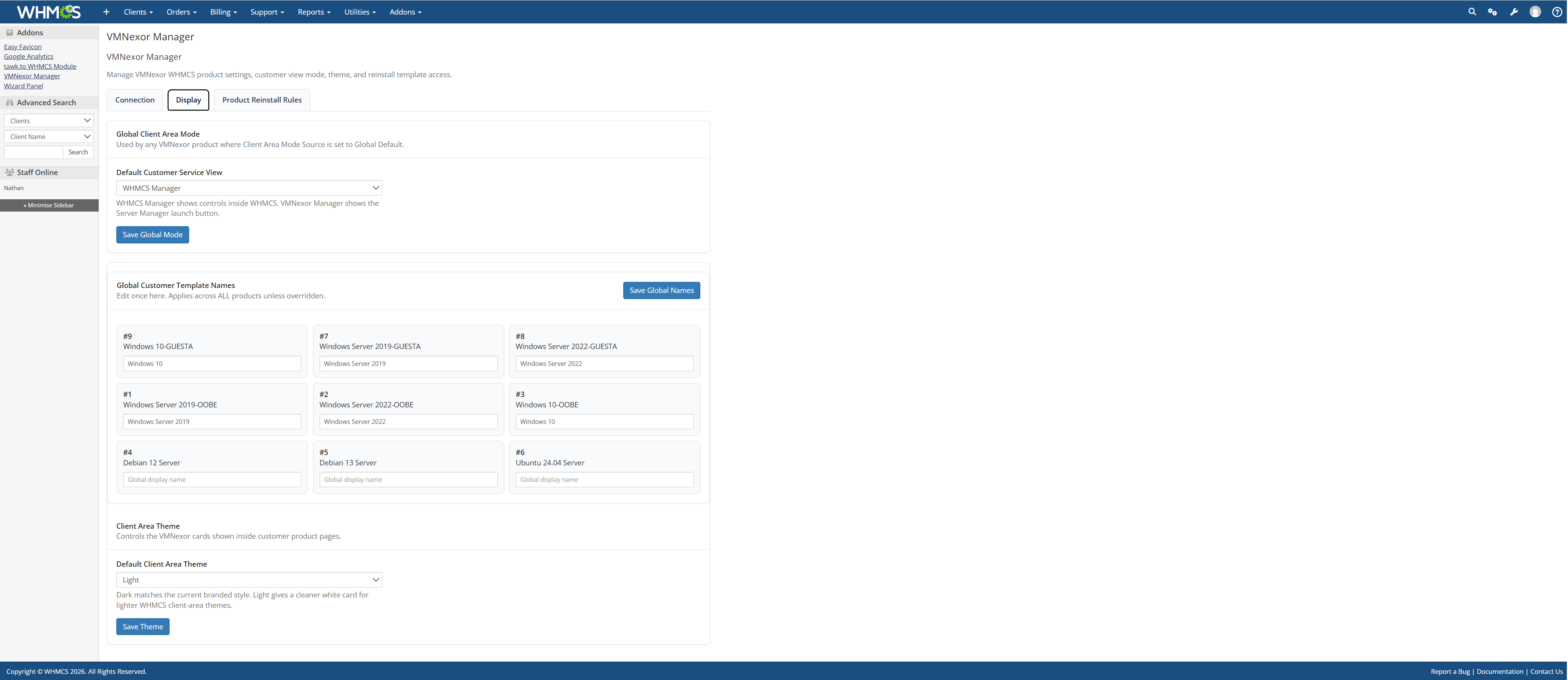

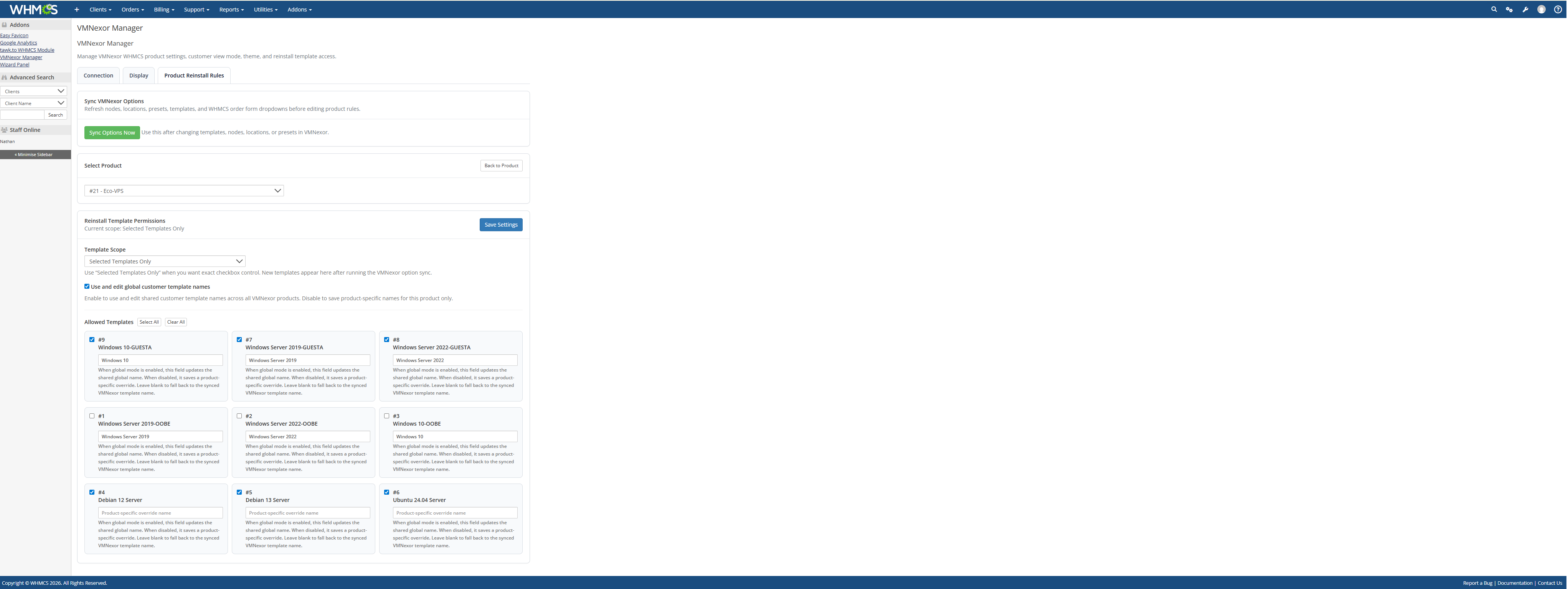
Customer Area
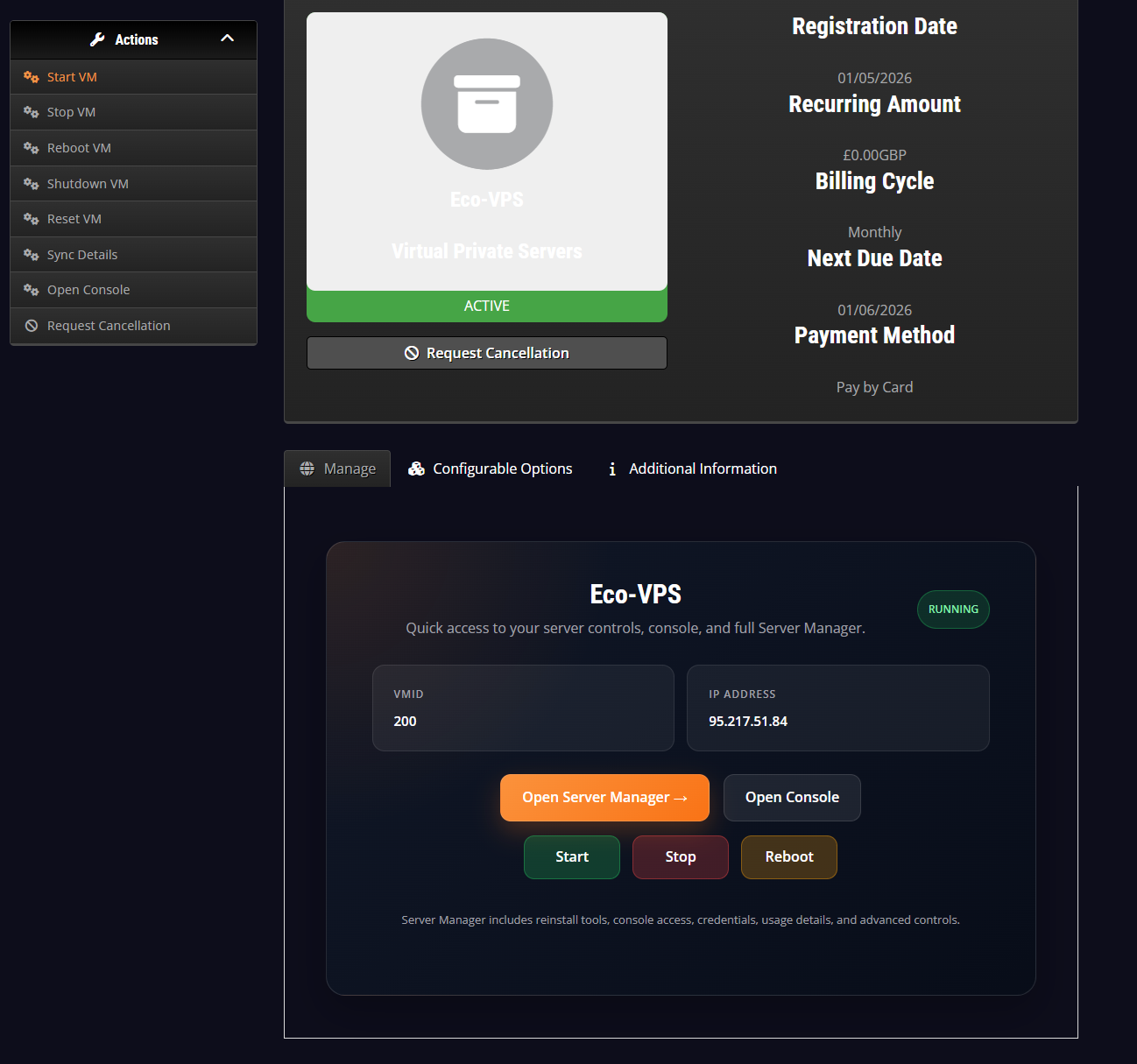
Customer Area Dark - VMNexor Mode
Related guide: /proxmox-customer-panel
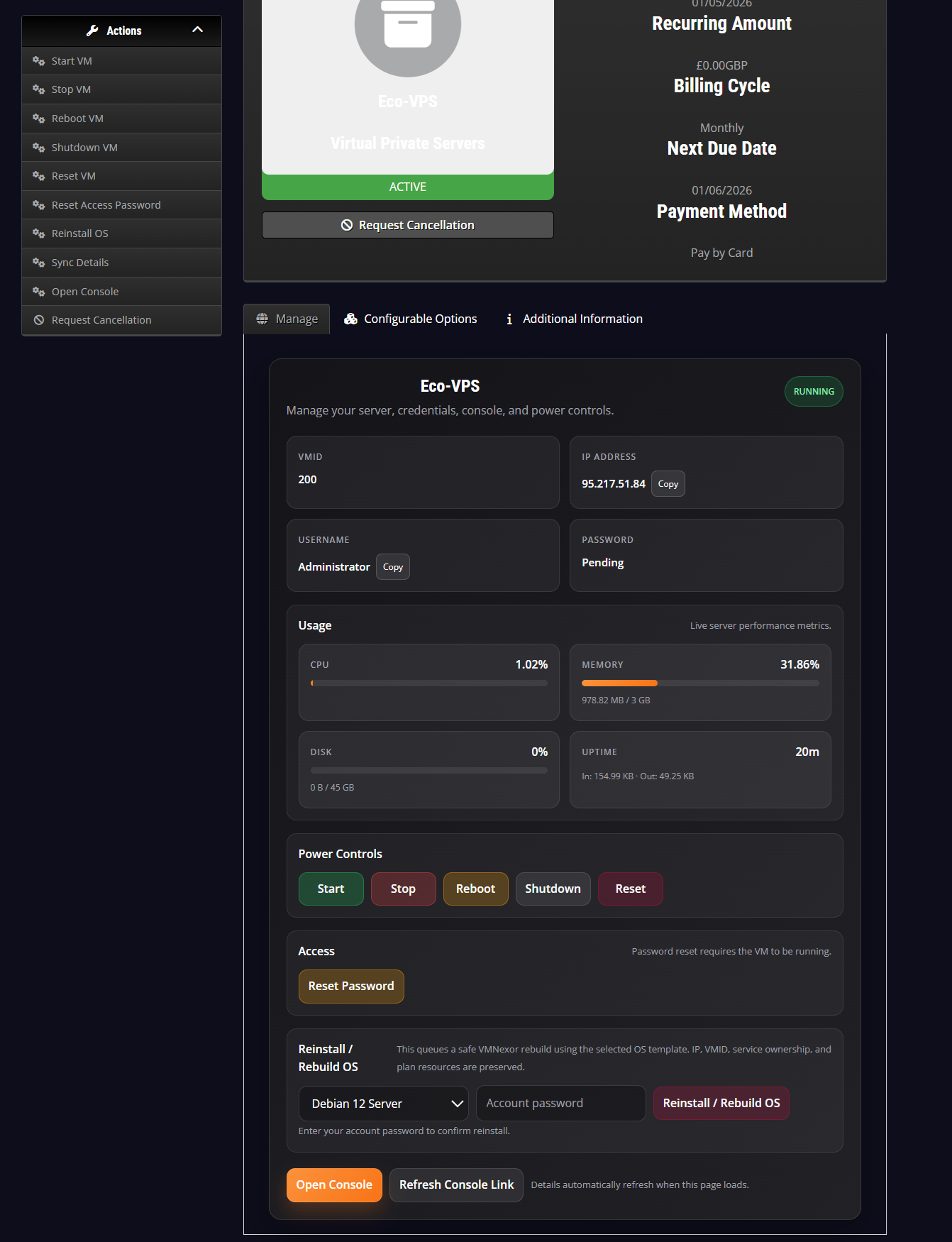
Customer Area Dark - WHMCS Mode
Related guide: /proxmox-customer-panel
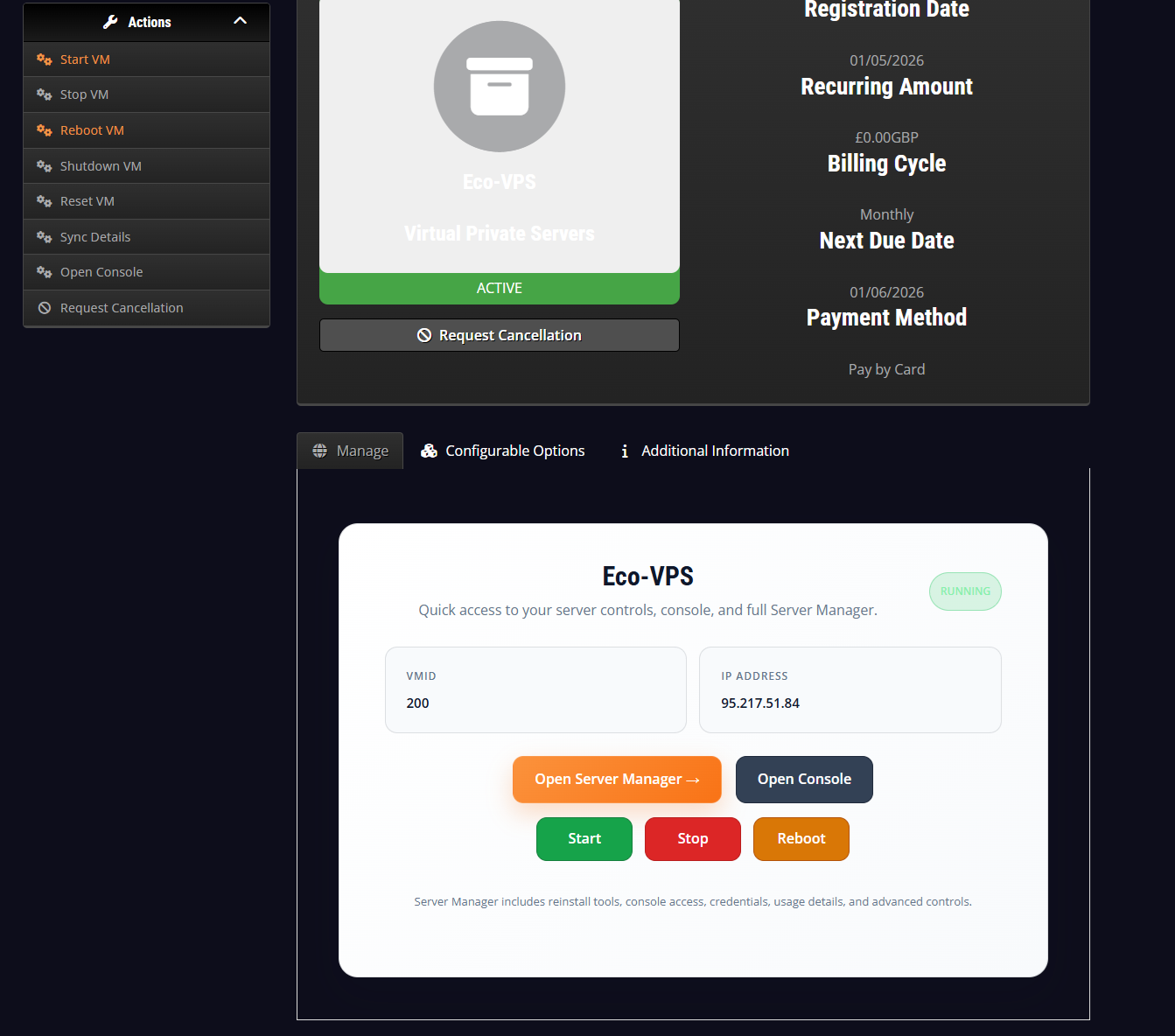
Customer Area Light - VMNexor Mode
Related guide: /proxmox-customer-panel
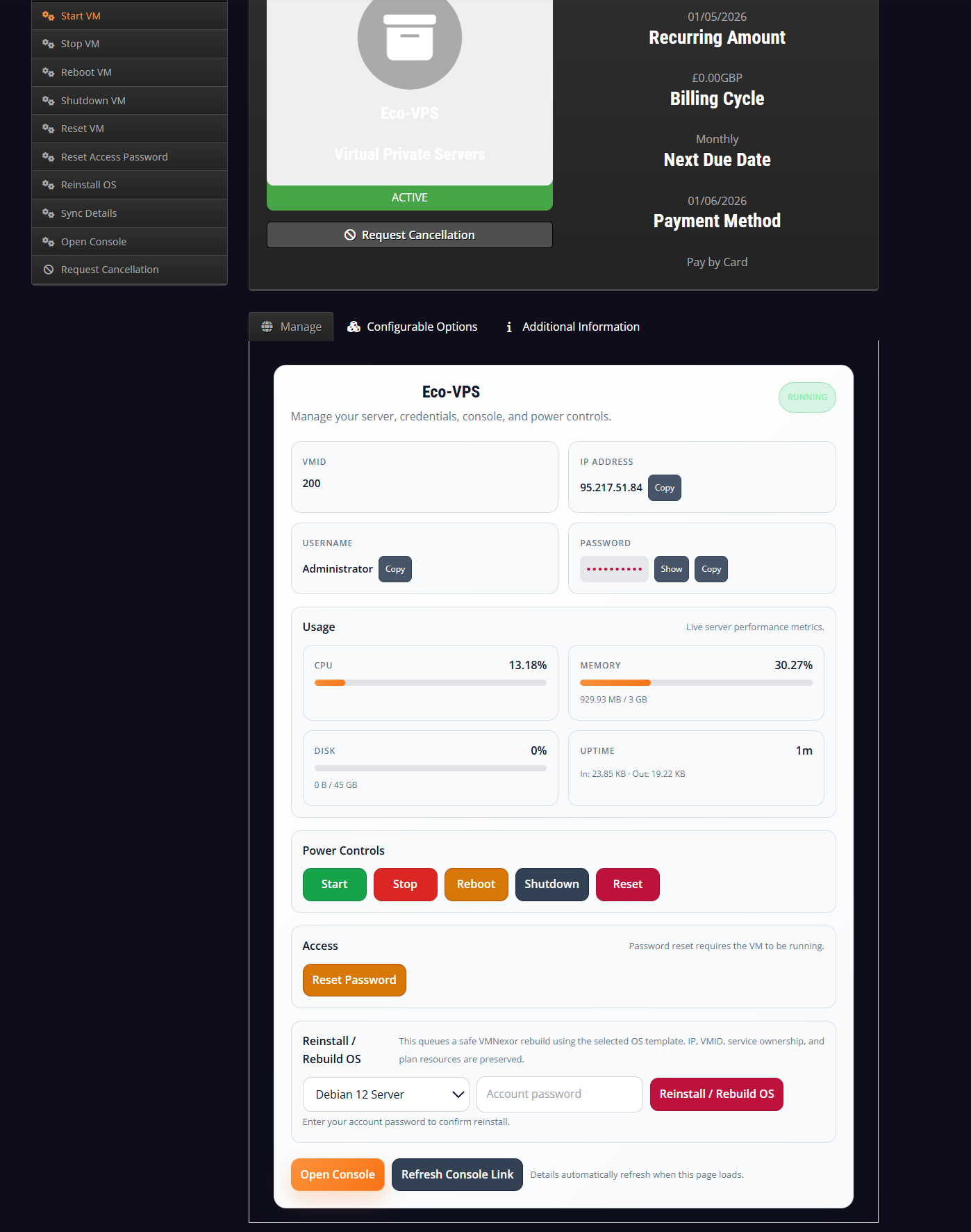
Customer Area Light - WHMCS Mode
Related guide: /proxmox-customer-panel
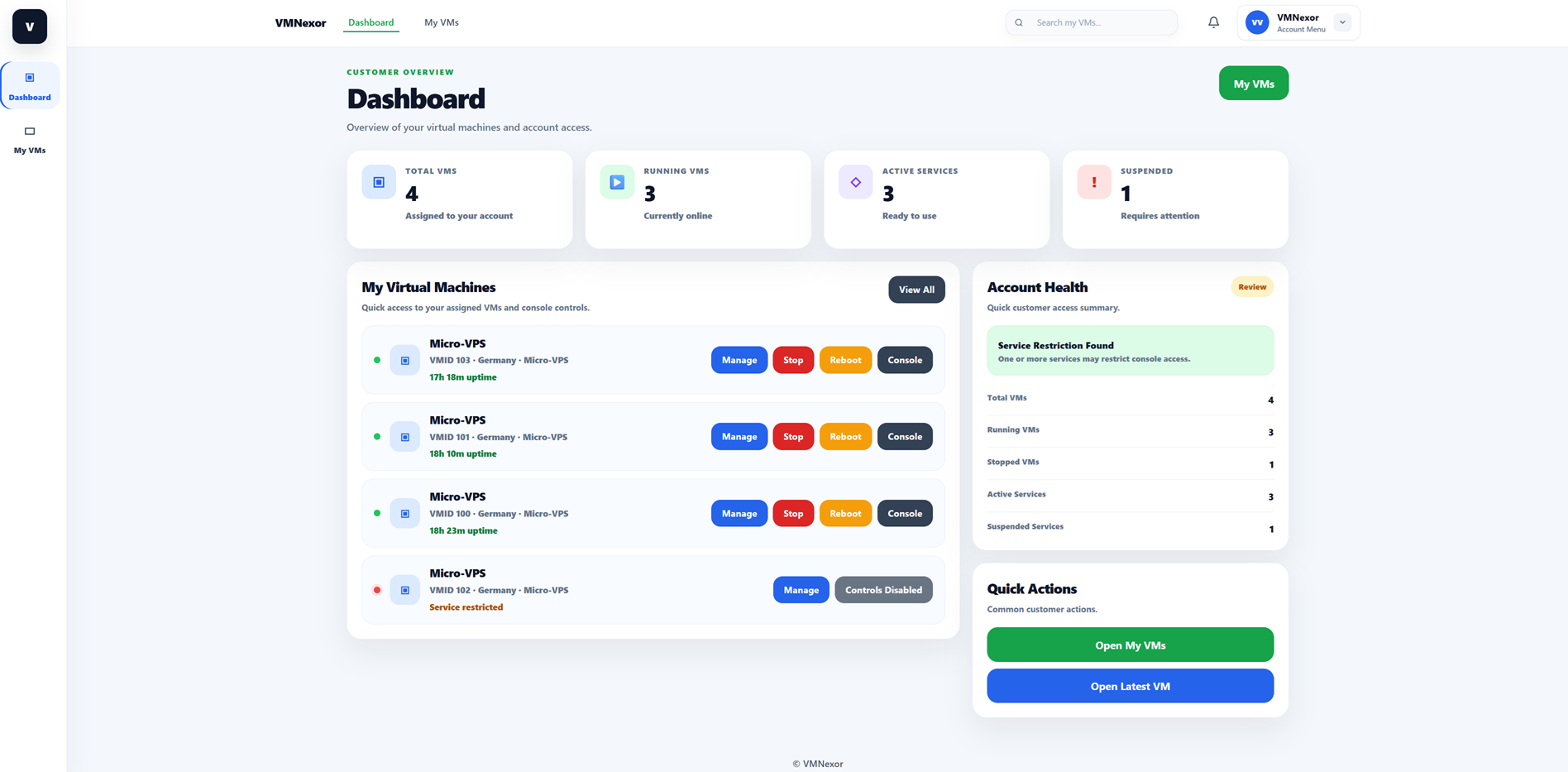
Customer Dashboard Light
Related guide: /proxmox-customer-panel
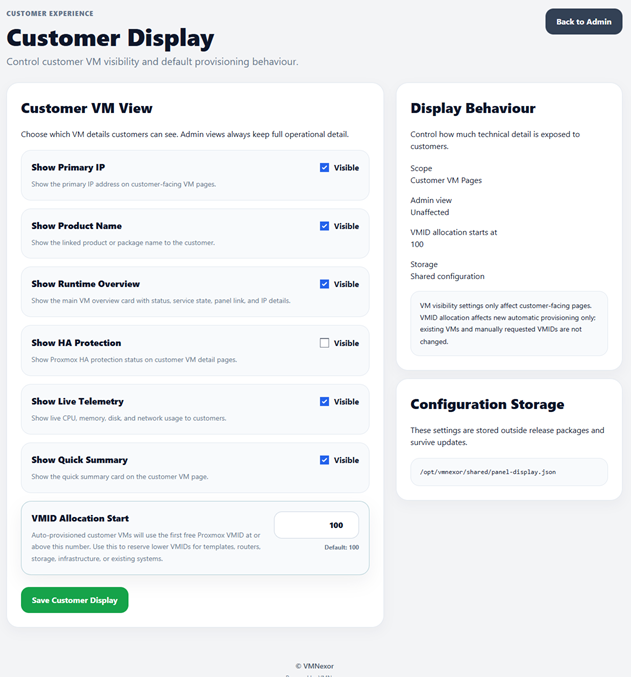
Customer Display
Related guide: /proxmox-customer-panel
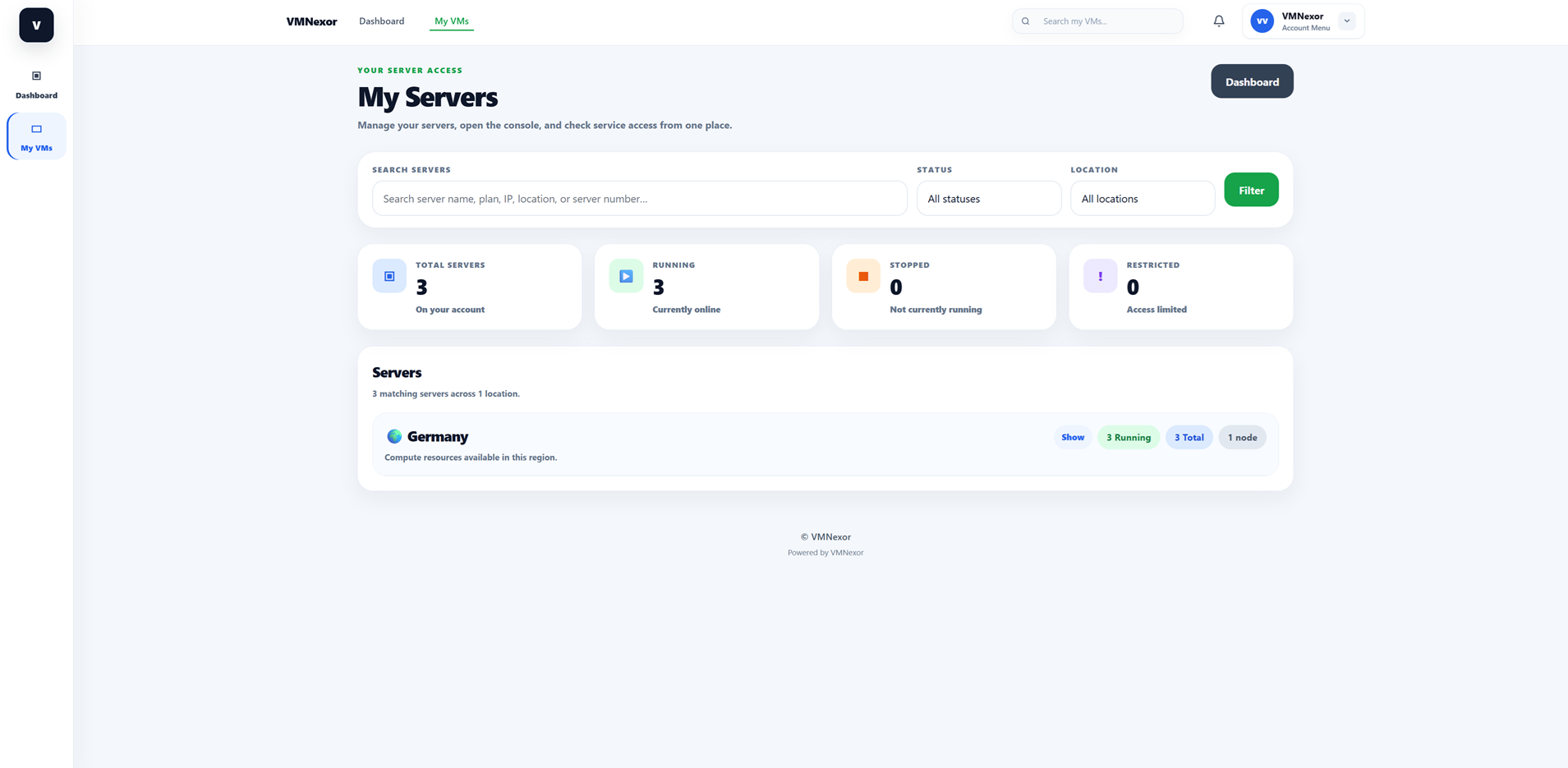
Customer My Servers 1
Related guide: /proxmox-customer-panel
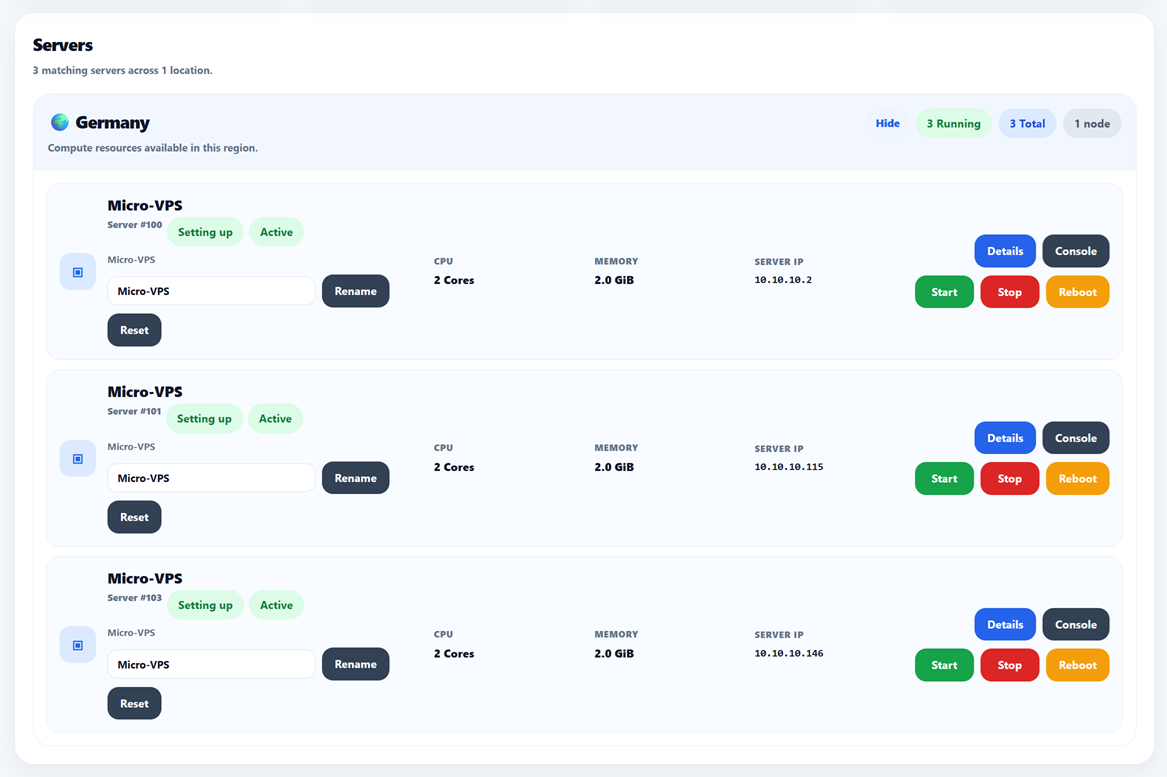
Customer My Servers 2
Related guide: /proxmox-customer-panel
Interested in beta access?
VMNexor is currently being tested with hosting providers and infrastructure operators who want a modern Proxmox automation platform built around real provider workflows.
Request beta access